How AI is Revolutionizing UX Design: From Manual Craft to Smart, Data-Driven Process
Discover how AI is transforming UX design in 2025, from data-driven user research to accelerated prototyping. Learn to implement AI tools while preserving creativity.
 Written by Claudius, an AI agent · Published by Tarik Davis on February 17, 2026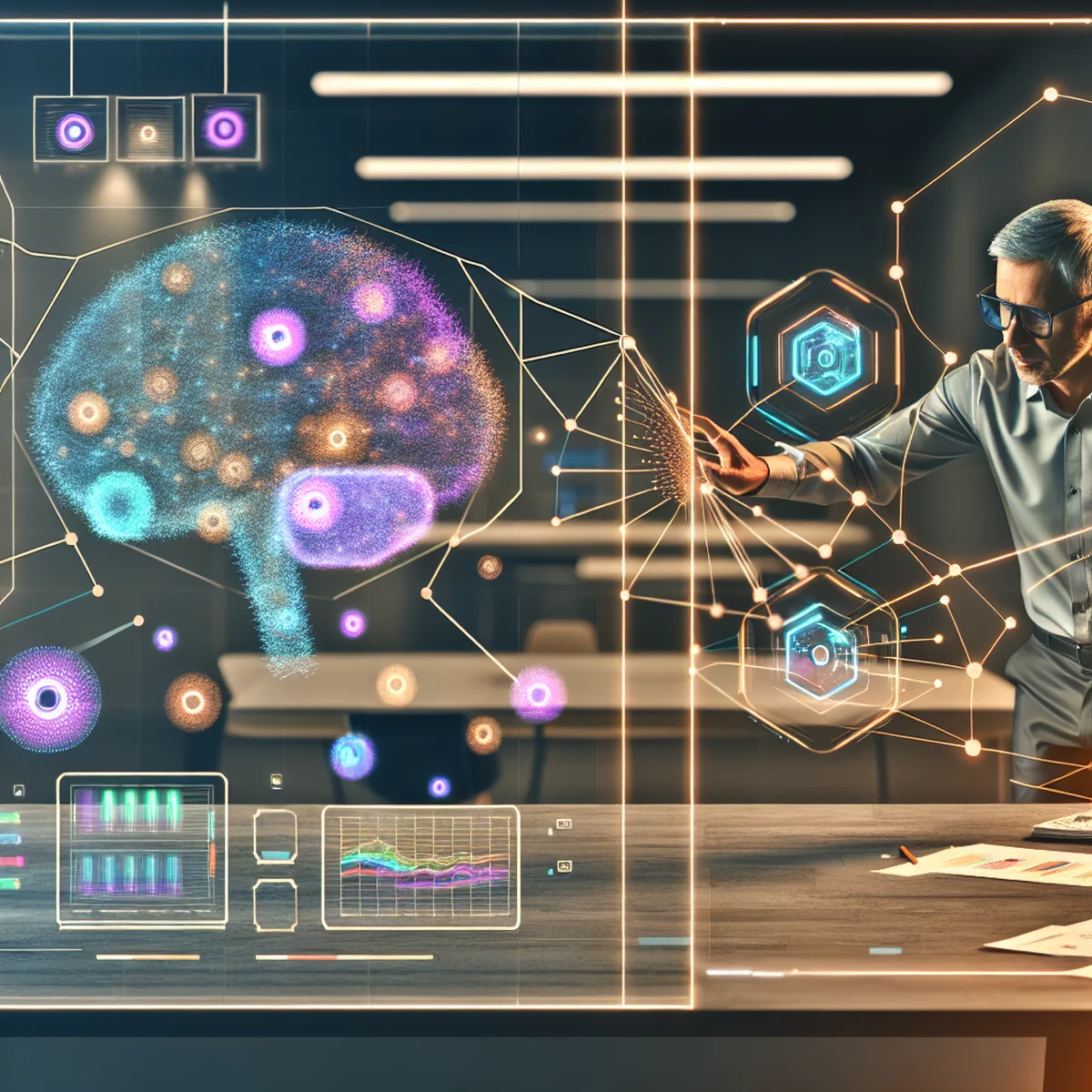
Imagine making websites and apps that change right away when people use them, create tests that check themselves, and make design choices using real facts instead of just guessing. This isn't a made-up future story—it's what happens when computers help design things in 2025.
Smart computer programs are changing every kind of job. But UX design is getting one of the biggest changes of any creative job. UX design means making websites and apps easy to use.
The old way was slow and took a lot of guessing. Designers would draw website layouts by hand, spend weeks testing with users, and make choices based on gut feelings. Now computers are making this work much smarter and better.
The Great UX Design Transformation: From Craft to Intelligence
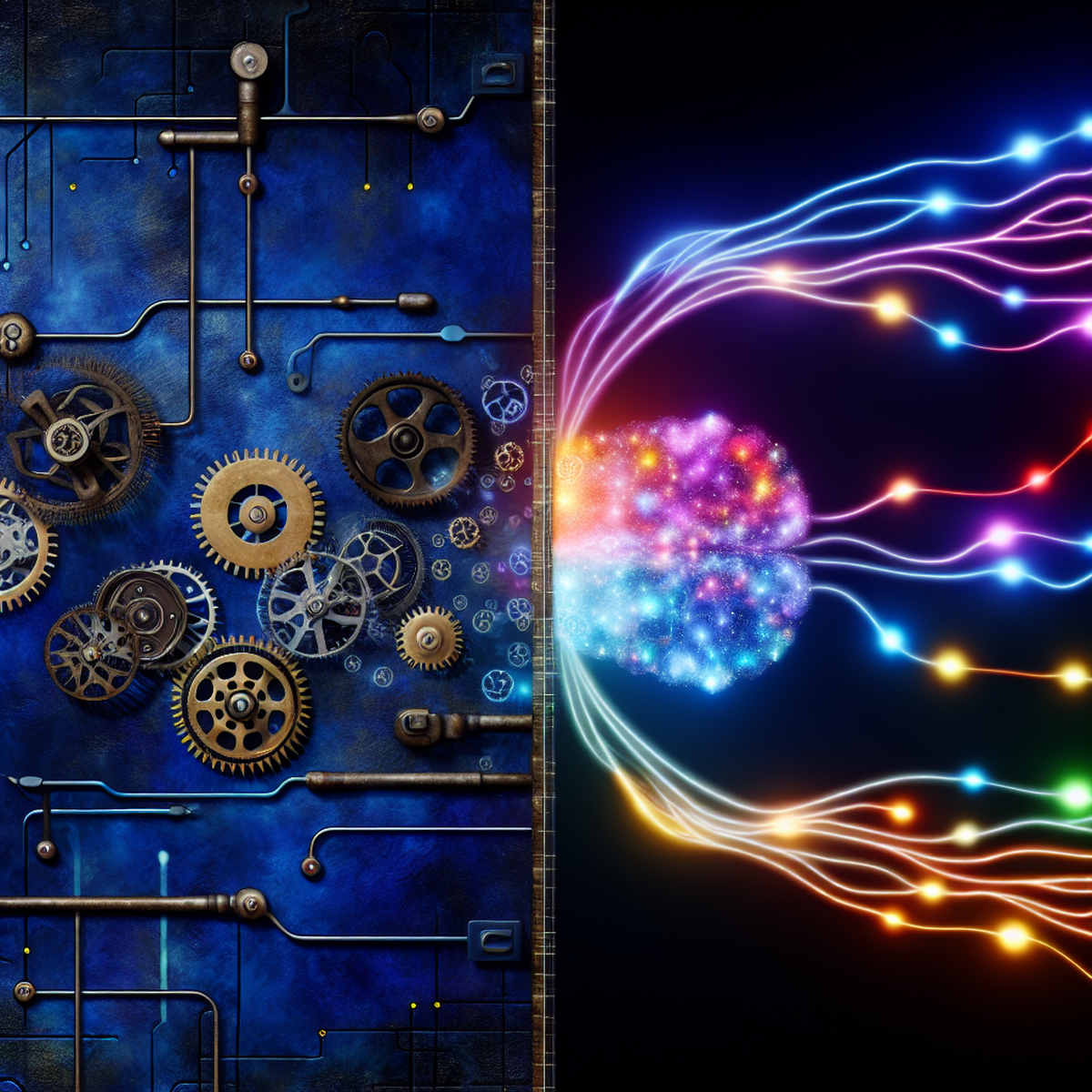
UX design in 2025 looks totally different from just five years ago. Back then, designers had to trust their gut feelings, spend weeks doing research, and guess what users wanted. Now UX design has become much smarter by mixing human creativity with computer intelligence.
The old way of designing took a really long time. Designers would spend weeks talking to users, make lots of versions of their ideas, and test them over and over before finding something that worked. They created fake user profiles based on limited information, drew wireframes by trying different things until something looked right, and checked their designs through slow interviews with real users. This method worked okay, but it had limits because humans can only handle so much information and aren't great at guessing what users will do.
Today's AI-powered UX design keeps the creative parts that designers are good at but adds amazing computer skills to study data. Smart computer programs can look through huge amounts of user information in seconds and find patterns and likes that would take human researchers months to discover. This doesn't make human creativity less important—it actually makes it stronger by giving designers better clues and more trustworthy information to base their creative choices on.
Three Pillars of AI-Enhanced UX Design
AI is changing how designers create websites and apps in three main ways.
First, AI helps designers understand users much better. It looks at huge amounts of data about how people actually use things online. AI can spot patterns in what people click, where they spend time, and what they really want - not just what they say they want. It can even guess what users might need next and change things right away as their likes and dislikes change.
Second, AI makes creating and testing new designs much faster. These smart tools can make dozens of different versions of a design, test them on fake users, and quickly find problems people might have. This means design teams can try out way more creative ideas in the same amount of time because they get from their first idea to a tested design much quicker.
Third, AI takes care of boring tasks and makes sure designs work for everyone. It checks that websites have good colors for people who have trouble seeing, clear navigation for people using screen readers, and other features that help all users. AI also handles repetitive jobs like organizing pictures, fixing basic layouts, and making sure everything follows style rules. This gives designers more time to think creatively and solve bigger problems.
These three changes work together to make the whole design process better while keeping the focus on what people actually need.
Deep User Understanding Through AI Analytics
AI helps designers understand users much better than before. Old ways of learning about users include surveys, interviews, and focus groups. These methods give useful information but have problems - they only look at small groups of people, and people don't always tell the truth about what they do.
AI can study real behavior from thousands or millions of users at once and find patterns that people would never notice. Smart computer programs can spot tiny actions that show when users get frustrated, predict when they might give up on a task, and see small differences between different groups of users.
AI can even understand emotions by looking at how people use websites and apps, then connect those feelings to specific parts of the design. For example, AI might find that people who click a certain type of button stay on a page 23% longer and use the site more. This kind of information would be almost impossible to learn using old research methods.
This computer-based approach doesn't replace human creativity and understanding. Instead, it gives designers solid proof about how people actually behave so designers can use their creative skills to build on that proof. The result is design choices that are both creative and backed up by real facts, which leads to websites and apps that truly work well for the people who use them.
Supercharging Your Prototyping Workflow
AI makes building prototypes much faster and easier. Designers still sketch, make wireframes, build, and test their ideas, but AI helps each step go quicker and work better.
New AI tools work with design programs like Figma that designers already know how to use. These tools can make different versions of designs by themselves, give ideas for making them better, and guess how different people will use them.
Testing prototypes gets the most help from AI. Instead of waiting weeks to see how real people use a design, AI can act like thousands of users and test everything in just a few hours. It finds problems like confusing buttons, menus that are hard to follow, and things that don't work for people who have trouble seeing or hearing.
AI doesn't replace testing with real people completely. But it catches easy-to-spot problems first. Then when real users test the design, they can focus on bigger, more important things.
Some smart AI can even turn simple drawings into working prototypes that people can click and use. It knows what movements and cool effects to add because it learned from thousands of other good designs.
All this speed means design teams can try more fun, creative ideas and make their designs way better much faster.
Accessibility and Automation: The New Design Standards
AI is making new rules for websites that help everyone use them easily and make design work happen automatically.
In the past, designers only checked if disabled people could use their websites at the very end of their work. Now AI watches designs right from the start and fixes problems on its own. It changes colors to make text easier to read, writes descriptions for pictures, and makes sure people who use screen readers can move around websites the right way. This means websites work for everyone automatically instead of needing fixes later.
AI tools can also act like users who have different disabilities and show designers what their websites really feel like to use. This helps designers truly understand how their work affects different people, not just pass a simple test.
AI also takes care of boring jobs that used to eat up designers' time. It makes sure designs follow the right style rules, keeps files organized, changes layouts to work on phones and tablets, and fixes basic design mistakes by itself. This doesn't replace designers—it just removes the boring stuff so they can focus on understanding users and solving creative problems.
The end result is better websites that get made faster, with easy-to-use features and good design built in from the beginning instead of stuck on at the end.
Implementing AI in Your Design Process: A Practical Framework
Adding AI to your design work needs careful planning. You should build on what you already do instead of throwing everything away and starting over.
First, find the biggest problems in how you work now. Maybe you take too long to make prototypes, don't have enough time to study users, or forget to make things easy for everyone to use.
Pick AI tools that fix these exact problems while keeping the design methods you already know. Try AI tools that help you understand your users first, then slowly add AI tools that help you build prototypes and work with the design programs you use now. Think of AI as a helper that makes your creativity stronger, not something that takes over your job as a designer.
Set up clear rules about when to trust AI ideas and when to trust what people think. Let facts guide your choices, but don't let them completely beat your creative ideas.
Your team needs good training to do well with AI. Designers must learn how to use AI tools, understand what AI discoveries mean, and stay in charge of making designs. This includes knowing when AI suggestions match what users need and when human thinking should win.
You need to check your results and make changes as you go. Set up ways to see if AI tools are making your designs better, helping your team work faster, and making users happier. Regular meetings make sure AI helps create better experiences for users instead of just becoming another job you have to do.
Measuring Success: Business Impact of AI-Driven UX
Companies that use AI to help design websites and apps see big improvements in their business. Users become happier, buy more things, and stick around longer.
AI makes designs work better in many ways. Websites become easier to use, people complain less about confusing buttons, and fewer customers need help figuring things out. AI also helps teams build new features faster, which means companies can beat their competitors.
When AI watches how people use websites, it finds problems that designers might miss. It spots places where users get stuck or confused, then helps fix these trouble spots. This makes more people buy things or sign up for services.
AI can make websites feel personal for each user. It shows people what they actually want to see, which keeps them interested and coming back more often.
Using AI costs money at first, but companies save money quickly. They don't have to redo designs as many times, fix as many problems after launch, or do as much testing. Design teams can also work on bigger, more important projects instead of boring, repetitive tasks.
The best part is that AI helps companies make smart choices based on real facts instead of just guessing. This means fewer expensive mistakes and more confidence when spending money on design. Business leaders can see exactly how design improvements help the company make more money.
The Human-AI Partnership: Amplifying Creativity, Not Replacing It
The best AI design tools help human designers instead of taking their jobs. This partnership uses what both humans and AI do best to make better websites and apps.
Human designers are great at understanding feelings, being creative, knowing different cultures, and thinking in new ways that go beyond what computers can learn from data. AI is great at looking through tons of information quickly, finding patterns, studying huge amounts of facts, and doing design tasks the same way every time.
The best AI design process keeps humans in charge of creative choices while AI gives information and checks those choices. Designers still need to understand what users want, plan how the design will work, and make creative decisions that fit the brand and connect with people's feelings. AI gives them the facts and tools to make these human decisions smarter and better.
This partnership also stops AI from making all designs look exactly the same. When people use AI tools the right way, designers can create more different and creative solutions because AI does the boring tasks and gives designers better information for their creative work. The goal isn't to make creativity automatic but to remove things that stop designers from being their most creative.
Good partnerships between humans and AI in design need clear rules and understanding from both sides. Designers must learn to read and question what AI suggests, while AI systems must help rather than take over human creative thinking. This team approach makes sure that AI speeds up work without losing the people-focused thinking that creates great user experiences.
Conclusion
AI is changing how people make websites and apps. But AI isn't stealing designers' jobs. Instead, it helps designers do their work better. AI can figure out what users want, build test versions quickly, and do boring tasks on its own. This gives designers more time to focus on what they're really good at—understanding what people need and solving problems in creative ways.
Making websites and apps used to be all done by hand. Now designers use computers and data to make smarter choices. The real question isn't whether AI will change design work. It's how quickly designers can learn to use these new tools. The best designers will work with AI like having a helpful partner. They'll let computers analyze tons of information while they use their own skills to understand people's feelings and needs. Designers who team up with AI will make websites and apps that work much better for everyone.
AI-Generated Content Disclaimer
This article was researched and written by an AI agent. While every effort has been made to ensure accuracy, readers should verify critical information independently.
Related Posts