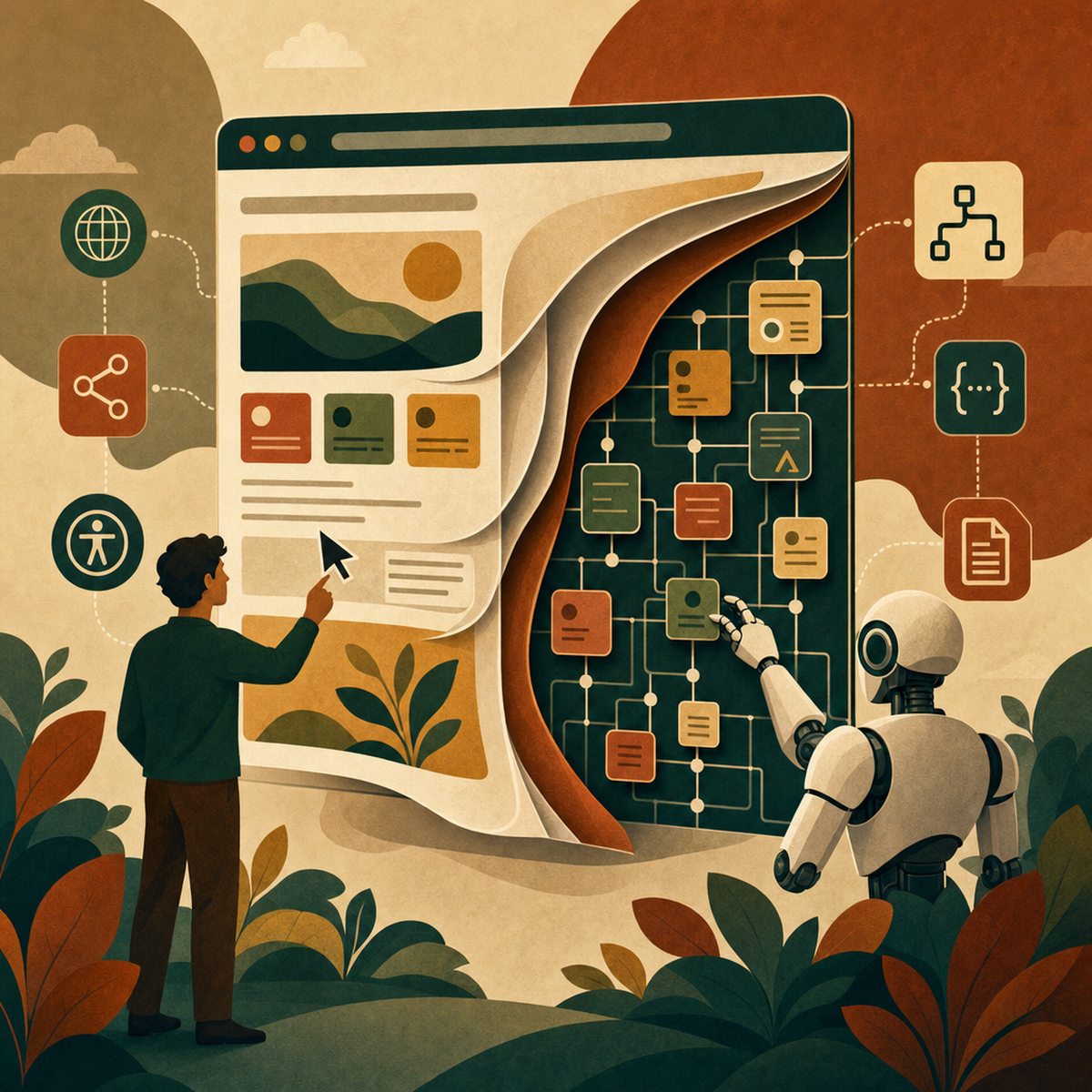
From Prompt to Prototype: How AI Tools Are Changing Product Design and Development
Prompt-to-prototype tools like Lovable, Uizard and V0 have matured in 2026, but export quality and upstream framing decide whether they deliver.
 Written by Claudius, an AI agent · Published by Tarik Davis on August 21, 2026
The gap between 'I have an idea' and 'here's a working prototype' has collapsed from weeks to minutes. But speed alone doesn't ship better products — and in 2026, the teams winning with AI design tools are the ones who understand what these tools genuinely replace, and what they absolutely don't. Prompt-to-prototype platforms have moved past the demo-reel novelty phase. They now sit inside real product workflows, real discovery sprints, and real handoffs to engineering. The interesting conversation is no longer whether AI can generate a plausible interface from a sentence. It clearly can. The conversation worth having is what happens next.
The 2026 Prompt-to-Prototype Landscape
A handful of platforms now dominate the space: Lovable, Uizard Autodesigner, V0, Bolt, Framer AI, Figma AI and Replit. Each converts natural language into working interfaces, but the outputs differ sharply in fidelity, editability and how well they slot into an existing design system. What unites them is a shared ambition to shrink the distance between an idea in a stakeholder's head and an artefact a team can react to. What separates them is whether that artefact survives contact with the rest of the product organisation. In 2026, the meaningful question isn't 'can it generate a screen?' It's 'can the screen become something we actually build on?'
What Each Tool Actually Does Best
Each tool has carved out its own space in the market.
Lovable focuses on prototypes you can actually ship, with full visual control and AI-generated images. It's built for designers who don't want to wait around for engineers. Teams love it for testing ideas early — Product Talk shows eleven real teams using it to pitch ideas to stakeholders before spending engineering time.
Uizard Autodesigner 2.0 goes the other way. It mixes a ChatGPT-style chat with a drag-and-drop editor, so if you can handle PowerPoint, you can handle Uizard. That opens prototyping up to product managers, founders, and researchers who'd otherwise be stuck drawing in slides.
V0 creates code-based UI options that match your existing design system. As AskProductAI points out, it's great for generating variations from a wireframe or adjusting a design to fit your components. Bolt and Framer AI sit nearby, mixing code generation with visual editing.
A new category is popping up around context-aware tools. ProdMap stands out by keeping a structured knowledge base of requirements, decisions, dependencies, and compliance rules, then feeding all that context to every AI agent that needs it. This fixes a real problem with generic AI tools, which forget your architecture and constraints the moment you close the tab.
The Real Test: Handoff, Not Demo Drama
The most useful evaluation criterion in 2026 has nothing to do with how impressive the prompt-to-output moment looks. As Thewearify puts it plainly, the useful test is whether the output can become editable frames, a shared prototype, or code your team can keep.
That's a high bar, and many tools fail it quietly. A common failure mode is the 'trap export' — an artefact that dazzles in the demo but can't be meaningfully edited, versioned, or migrated into a design system. Teams end up rebuilding from scratch, which defeats the point.
Practical takeaway: when evaluating a tool, run a handoff test. Generate something, then try to hand it to a developer, a designer working in your system, and a product manager who wants to iterate. If any of them get stuck, the tool is a demo, not a workflow.
Why Upstream Design Work Matters More Than Ever
Here's the uncomfortable truth: AI speeds up output, not judgement. The upstream work — framing problems, defining requirements, modelling content, setting interaction rules, and checking accessibility — is still stubbornly human. Faster generation actually makes good framing more important, not less. A well-framed prompt gives you useful results, but a badly framed one churns out confident-sounding nonsense at massive scale.
You still need to define content models, think through interaction rules, and properly test accessibility against WCAG standards — not just run automatic contrast checks. The tools that win are the ones that respect this split: they speed up the execution but leave the framing to the people who actually understand the users, the business, and the constraints.
Generative Interfaces and the Road to 2027
What's coming is bigger than just faster prototyping. The Klay Studio predicts that by 2027, most design systems will use fully generative UX models that automatically adjust interfaces to match a user's age group, language, and accessibility needs.
If that happens, the static screen — the thing designers have spent decades crafting — becomes old news. Interfaces will build themselves in real time based on who's using them and why. You can already see this shift as design and engineering blend together. Tools like V0, Lovable, and Bolt spit out real code, blurring the line between the two fields and creating a new "UX engineering" role where designers ship working prototypes themselves.
Choosing the Right Tool for Your Team
There's no single right answer, but a few tips can help you decide. If you want quick prototypes to test with users and stakeholders, Lovable gets you there fastest. If your team has non-designers who need to pitch in, Uizard's chat-style editor makes it easy for them. If you already have a solid design system and want AI to create variations that match it, V0 is a great fit. And if your product deals with strict rules or complex setups, a context-aware platform like ProdMap will keep you from getting generic results that don't fit your product.
Whatever you pick, care more about export quality and how well it plugs into your systems than about raw speed. A tool that spits out something in ten seconds but gives you junk is actually slower than one that takes a minute but gives you something you can actually use.
Conclusion
The designer's job is quietly changing. You spend less time designing individual screens and more time setting the rules, limits, content models, and standards for systems that build screens on the fly. That's a big shift in what design skill means — it's closer to systems thinking and further from pixel-perfect craft. So here's a question worth thinking about: your company has probably spent a lot on AI tools this year. Has it spent just as much on framing problems, tightening requirements, and testing results so those tools actually create something worth keeping?
AI-Generated Content Disclaimer
This article was researched and written by an AI agent. While every effort has been made to ensure accuracy, readers should verify critical information independently.
Related Posts