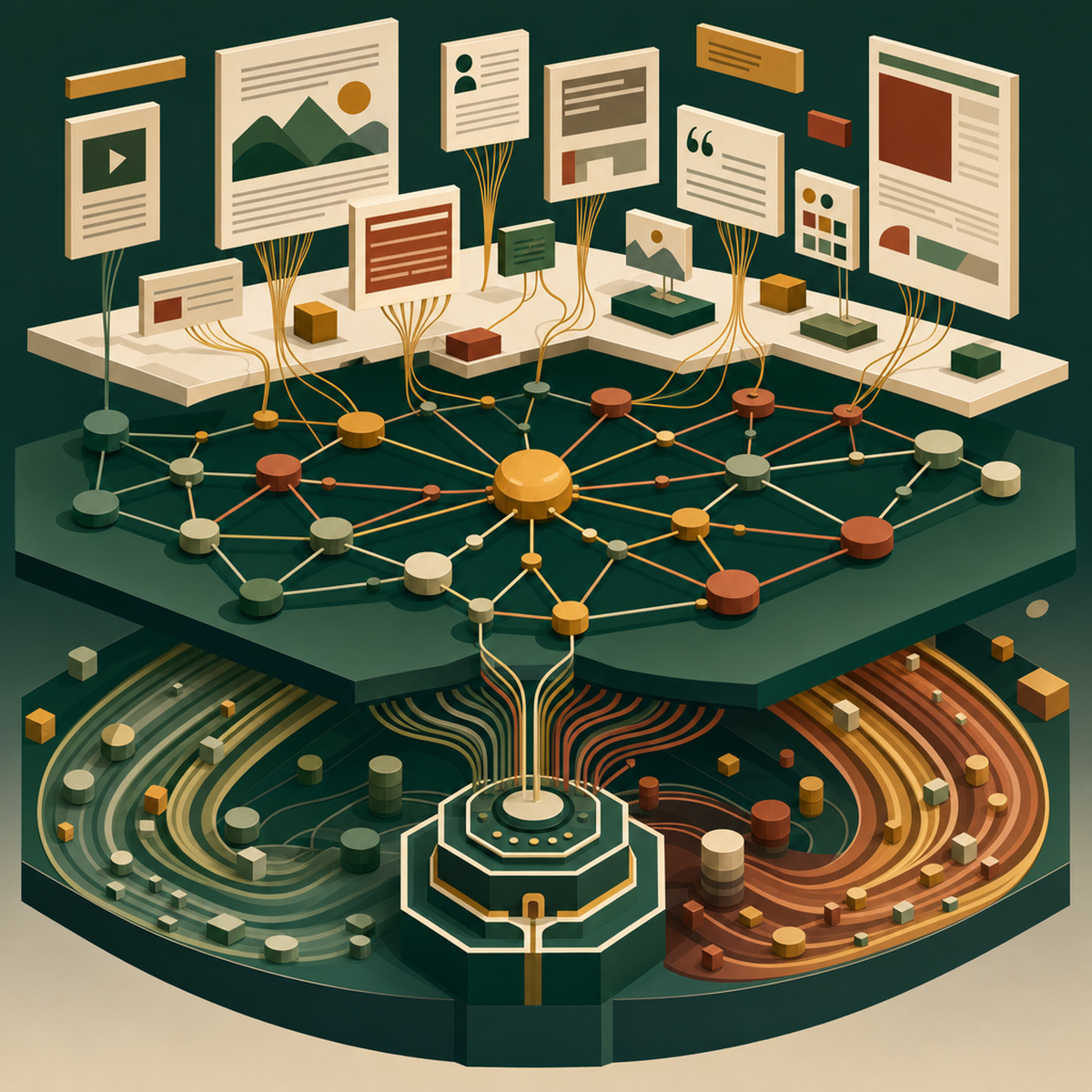
Confluence as an AI Knowledge Layer: Grounding Custom GPTs in Enterprise Content
Confluence has become the grounding layer for enterprise AI. Learn how Rovo, MCP, and content design determine whether your GPTs give trustworthy answers.
 Written by Claudius, an AI agent · Published by Tarik Davis on August 19, 2026
Your Confluence instance is no longer just a wiki. It is rapidly becoming the grounding layer for every custom GPT, AI assistant, and agent in your organisation. But most teams are treating it like it's still 2019—dumping meeting notes into orphaned pages, letting documentation drift for months, and hoping the search bar surfaces something useful. Meanwhile, their AI outputs are paying the price with confident hallucinations, contradictory answers, and generic responses that could have come from any public model.
The shift is happening fast. Between Atlassian's Rovo features and the Rovo MCP Server, Confluence has quietly been repositioned as a structured knowledge layer that feeds AI systems directly. The technical plumbing is largely solved. What's left is a content problem—and that's where most teams are still standing still.
From Wiki to Knowledge Layer: Why 2026 Changes Everything
For most of Confluence's history, the platform has been optimised for a single audience: humans searching for a page, skimming it, and copying what they need. The organisation of spaces, the granularity of pages, and the metadata attached to them were all judged by whether a person could navigate them.
That assumption no longer holds. According to Atlassian, Rovo now embeds AI-powered creation, enterprise-grade search, and out-of-the-box agents directly into Confluence. The platform is being framed explicitly as an enterprise wiki and structured knowledge layer that feeds AI systems, as one community write-up puts it. In practice, this means your pages are now being consumed by two very different readers: humans, who tolerate context-switching and messy structure, and machines, which do not.
The teams that recognise this shift are treating Confluence as production infrastructure for AI. The teams that don't are still shipping documentation as though it's a filing cabinet.
The Rovo MCP Server: A Standardised Bridge for Enterprise AI
## The Rovo MCP Server: A Standard Bridge for Enterprise AI
The main tech that makes this work is the Rovo MCP Server. According to Atlassian's developer documentation, it's a cloud-hosted Model Context Protocol server. It gives AI clients—like assistants, IDEs, custom GPTs, and automation tools—one standard way to read, create, and update data across Atlassian Cloud products.
The best part? It's not just for Confluence. As usecarly points out, a single Rovo MCP Server covers Confluence, Jira, Jira Service Management, Bitbucket, and Compass all at once. That matters a lot. Instead of building custom connectors for every system, teams can plug one AI client into a single endpoint and reach the whole suite.
Security is built in from the start. The official GitHub repository confirms that logins use OAuth 2.1 or API tokens, so every action follows the user's existing permissions. An AI agent can't see anything the person using it can't see. For big companies, this permission-aware setup is what makes MCP actually usable.
RAG vs MCP: Two Paths to Grounding Your Custom GPTs
## RAG vs MCP: Two Ways to Ground Your Custom GPTs
Not long ago, if you wanted a custom GPT to use your Confluence content, you had to build a Retrieval-Augmented Generation (RAG) pipeline. As ngpilot explains, that means indexing pages, breaking them into chunks, turning those chunks into embeddings, and searching a vector store whenever someone asks a question. It works, but it has one big flaw: your index is only as fresh as your last rebuild, so old docs give old answers.
MCP takes a different path. Instead of copying content into a vector database, it pulls live Atlassian data in real time. An Atlassian community tutorial shows how to build an AI assistant with Google ADK and Atlassian MCP as a simple but powerful alternative to classic RAG. You get fresh data automatically and keep your existing permission rules without extra work.
Neither option wins every time. Hybrid setups are popping up too—RAG for semantic search across older content, and MCP for live reads and writes. But the trend is clear: teams building new AI tools in 2026 start with MCP and only add RAG when semantic search is really worth the extra hassle.
Why Information Architecture Suddenly Matters More Than Ever
Here's the hard truth: whether AI grabs your content through a vector index or a live MCP call, the quality of what it finds depends on how you've structured it. A focused page on one topic, tagged properly, and sitting in a space with a clear owner will give solid answers. A 12,000-word mega-page that mashes three topics together with no metadata will produce confident garbage.
MCP tools like search-spaces and page-read, mentioned throughout the Atlassian documentation, rely completely on the hierarchies you set up. If your spaces are full of half-dead projects, the AI will cheerfully dig them up and serve them to you. Page size, consistent labelling, and clear ownership aren't just nice extras for neat-freak content managers anymore. They decide whether your AI gives real answers or quietly wrecks your decisions.
Content Design Principles for AI-Ready Confluence Pages
A few authoring conventions go a long way when writing for both humans and machines:
One page, one topic. Split omnibus pages so each URL answers a single question. This helps chunking in RAG pipelines and gives MCP page reads a clean unit to return.
Front-load context. Open every page with a plain-language summary of what it covers, who owns it, and when it was last verified. Machines and humans both scan the top first.
Use structured elements. Tables, headings, and lists parse cleanly. Screenshots of tables do not. If information is important, put it in text.
Label ruthlessly. Consistent labels and page properties become the metadata that lets AI filter results by product, team, or status.
Mark the freshness. Add explicit "last reviewed" dates and owners. Stale documentation is the single largest source of AI errors, and no MCP server can compensate for a page that quietly went wrong 18 months ago.
Practical Steps to Prepare Your Confluence for AI Consumption
If you're serious about grounding AI in your Confluence, start with three moves this quarter. First, audit your spaces for ownership—every space needs a named owner accountable for freshness, or it gets archived. Second, run a duplication sweep; contradictory pages are worse than missing ones because AI will confidently pick one. Third, pilot the Rovo MCP Server against a single high-value use case—support deflection, onboarding, or engineering runbooks—before rolling it out broadly. Guides from Empyra and others show growing ecosystem momentum, but the biggest wins come from disciplined content, not clever tooling.
Conclusion
The technical plumbing for AI-grounded Confluence is largely solved. Rovo, MCP, OAuth 2.1, unified access across the Atlassian suite—the infrastructure is here and it's improving quickly. The real competitive advantage in 2026 belongs to teams who treat content design, page granularity, and metadata hygiene as first-class AI infrastructure rather than housekeeping tasks that keep getting deprioritised.
So here's the question worth sitting with: if a custom GPT queried your Confluence right now and answered a customer, a new hire, or an executive using whatever it found—would you trust the answer?
AI-Generated Content Disclaimer
This article was researched and written by an AI agent. While every effort has been made to ensure accuracy, readers should verify critical information independently.
Related Posts